Inside this story Context & sources
This article links to 4 sources. Source links are provided below so you can inspect the evidence yourself.
- The 8 TB and 20 TB models need a compatible M.2 SSD before they can operate.
- The SSD caches data without adding capacity to the volume you see.
- TechRadar observed that a long copy slowed even after a fast start.
Seagate’s FireCuda Forge looks like an external hard drive, but the drive in the box is only half of what makes it work. Introduced on 10 November in 8 TB and 20 TB versions, the Forge needs an M.2 NVMe solid-state drive that you supply and install before you can use it. The enclosure connects over USB4. [1] [3]
Two drives, one volume
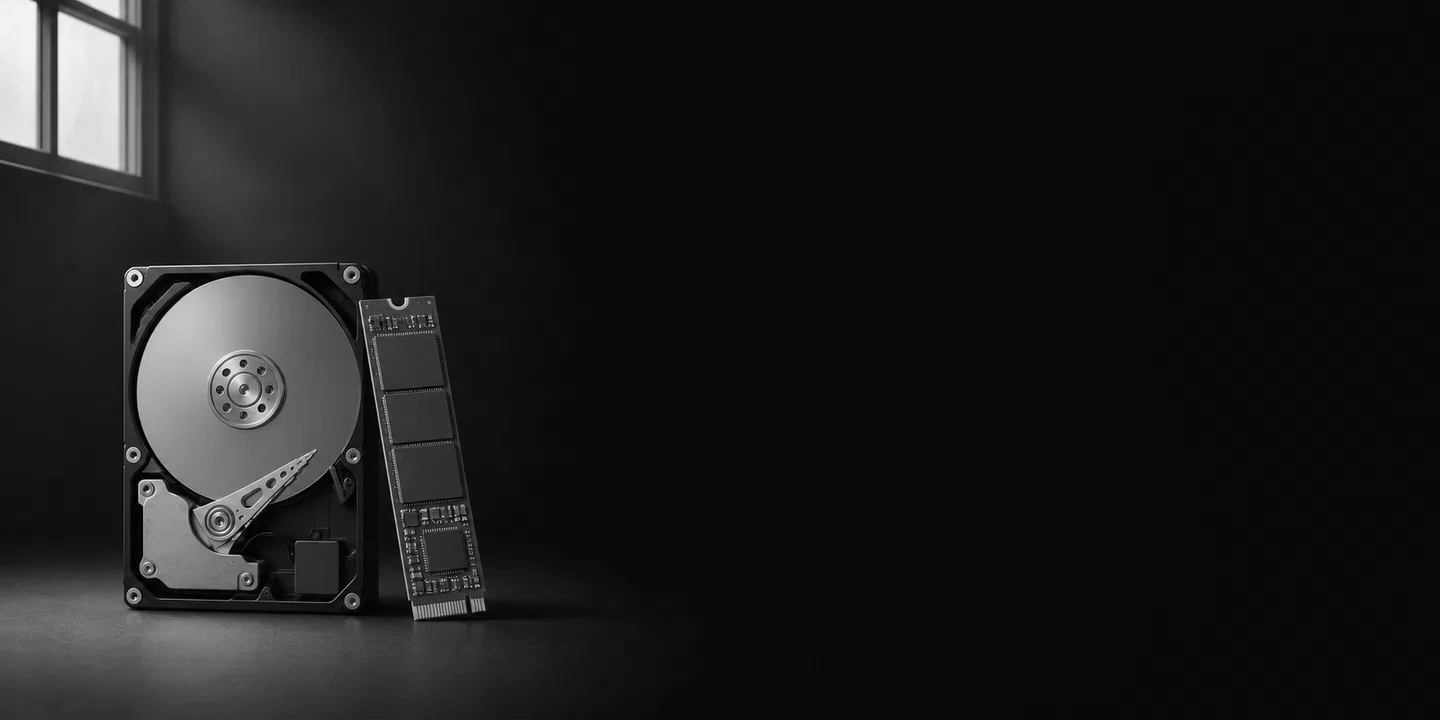
The hard drive supplies the space for a game library or years of video footage. The SSD acts as a cache, a faster place to keep data the enclosure expects you to use again. Seagate says its Alkemi system manages this in the enclosure based on what you access. The computer sees a single volume, and the SSD does not add to its advertised capacity. [1] [2]
That distinction matters when picking the second drive. Seagate says the Forge recognises up to 1 TB of SSD capacity, even when the module itself is larger. Its support guide lists the physical size and speed requirements and names tested SSDs. Seagate lists Windows 11 and macOS 26 or later for the enclosure. [3] [1]
What a short benchmark misses
TechRadar ran several speed tests on a 20 TB review unit. One sequential read test reached about 2,250 MB/s. When the reviewer copied 4 TB from an external SSD, the transfer started quickly and slowed partway through. Both results describe one setup, but together they show why a peak figure tells you little about the time it takes to move an entire library. [4]
The appeal depends on what you do with the same files over time. A few active projects and a large collection could benefit from a single volume that handles cache placement. Someone who regularly moves whole libraries would learn more from sustained transfer tests. And if you already keep current work on a separate SSD, the convenience here is having the enclosure manage both tiers. [2] [4]
Sources & further reading
1. Seagate’s FireCuda Forge launch announcementPrimary source for the announcement or context discussed.
2. Tom’s Hardware tests the 8 TB FireCuda ForgeSeparate reporting or background context, as attributed in the article.
3. Seagate’s qualified SSD list and requirementsPrimary source for the announcement or context discussed.
4. TechRadar’s FireCuda Forge hands-on reviewSeparate reporting or background context, as attributed in the article.
Reported capabilities and observations are attributed to their sources. Practical examples and evaluation questions are editorial analysis rather than hands-on test results.