Inside this story Context & sources
This article links to 2 sources. Source links are provided below so you can inspect the evidence yourself.
- Direct recording into video depends on a compatible camera.
- 32-bit float recording is limited to 48 kHz.
- Follow a short recording all the way into your usual editor.
A shorter route into the edit
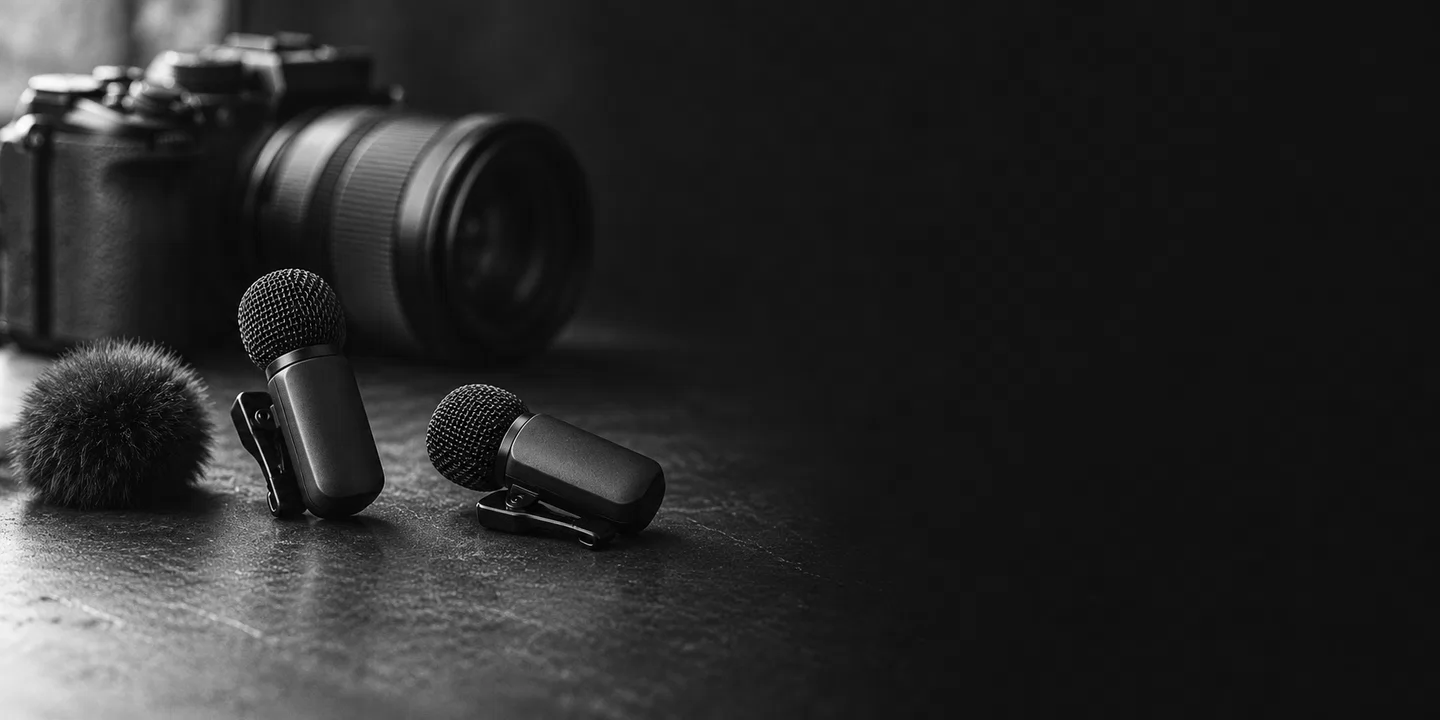
Sony announced the ECM-W5 wireless microphone on 14 October. Its kit pairs two transmitters with one receiver, and Sony says 32-bit float audio can travel through the Multi Interface Shoe into a compatible camera’s video file. The pitch is a simpler handover from recording to editing. [1]
For a small South African video team, our view is that the useful question starts with the kit already on the table. Which camera will receive the sound, and what will the editor open afterwards? Following that route makes a workflow claim easier to examine than a list of microphone features on its own.
Two recording modes to keep distinct
Sony’s product page lists recording options of up to 96 kHz at 24-bit, or 48 kHz at 32-bit float. Its footnote makes the latter limit explicit: float recording is available only at 48 kHz. These are separate options, so the two headline specifications should not be read as a single combined mode. Sony presents this float format as room to adjust quiet and loud passages during editing. [2]
The same page ties the camera connection to a compatible Sony model with digital audio interface support. Wireless headphone monitoring also depends on supported Sony LE Audio headphones. For the supplied USB-C adapter, Sony specifies a connected device supporting USB Audio Class 2.0. This is the manufacturer’s own detail, not an independent compatibility test. [2]
Listen to the signal as well
Sony’s footnotes warn that changing volume during editing cannot restore audio clipped at the microphone input. On our reading, float recording still calls for listening to the captured signal. [1]
A modest evaluation could start with your own voice, using the intended camera settings and recording mode. Open the resulting video in the editor you normally use, check which audio channels arrived and listen to a quiet section and a louder phrase. Keep the source file alongside any adjusted version so the comparison remains clear. That is a suggested trial, not one we have performed with this microphone.
Start with the equipment you use
Our practical starting point would be the exact camera model and the feature needed for the next shoot. A team wanting direct recording into video has a different question from one wanting wireless headphone monitoring. Ask a supplier to demonstrate the particular combination, then retain the settings and a short sample file for the person doing the edit.
Sony’s US release schedules November availability. That does not establish South African stock or a local launch date. No local price or availability has been verified here. [1]
The appeal here is a potentially cleaner handover between people and devices. A clear sample can show what the camera recorded and what the editing software received. Before making the new microphone part of a regular production setup, that small piece of evidence would be more useful to us than assuming every feature follows from the model name.
Sources & further reading
1. Sony’s ECM-W5 launch announcementSony-issued release distributed by PR Newswire, dated 14 October. Announcement and conditions, not independent reporting.
2. Sony’s ECM-W5 product details and footnotesUndated US product page, read 16 October. Same manufacturer; technical context, not independent corroboration or a hands-on test.
AI-assisted research, writing and a separate source-checking pass by the same Codex assistant. Both sources are Sony material: a dated release distributed by PR Newswire and an undated US product page. They are not independent corroboration. Workflow suggestions are our interpretation; no hands-on, measured performance or South African availability result claimed.